FastEditor | Theme Converter
Follow these steps to convert an InDesign theme ZIP into a FastEditor-ready JSON file and preview the result.
1
Go to https://theme-converter.fasteditor.com and make sure you are logged in
2
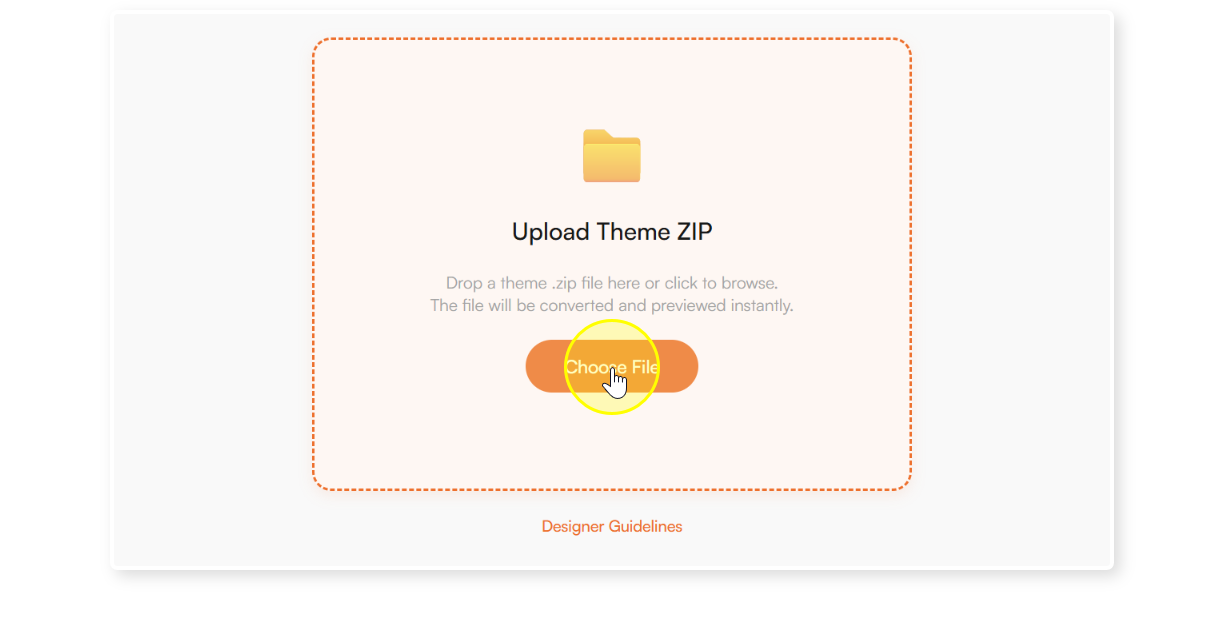
Click the “Choose File” button
3
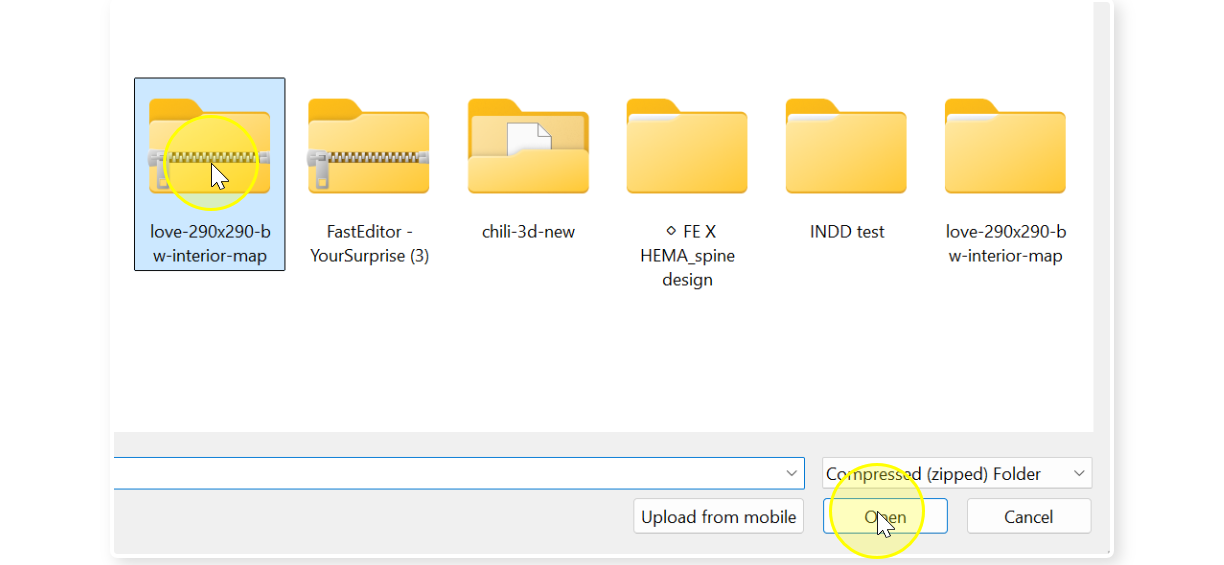
Select the IDML exported zip file from your computer and Open (Windows).
4
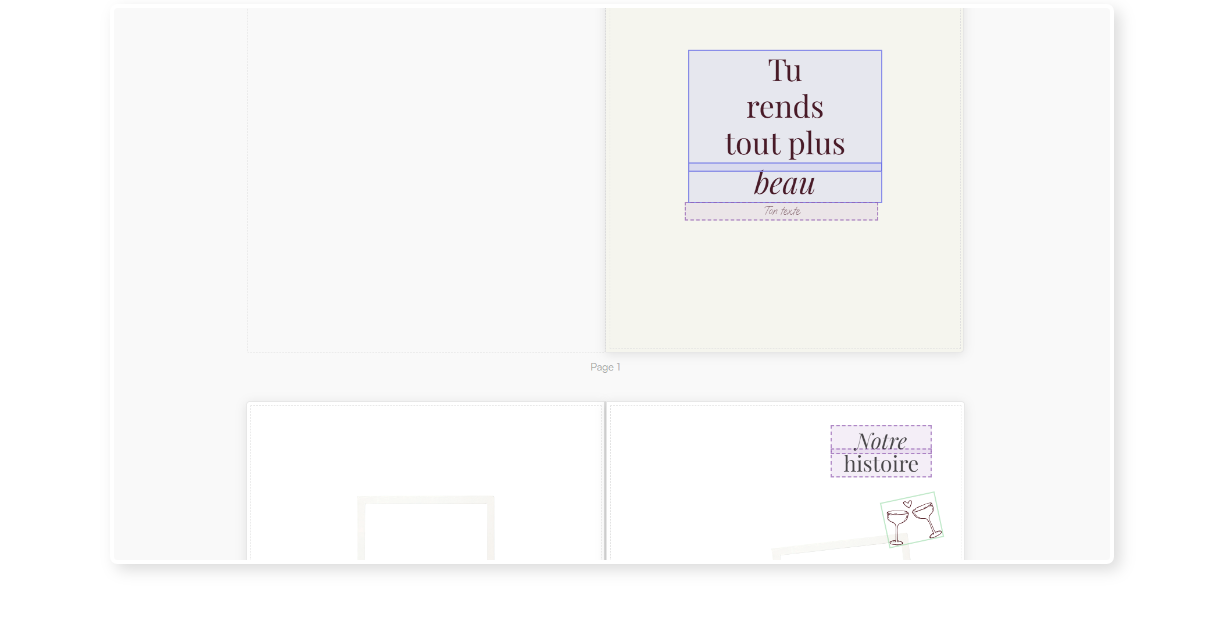
Once the converter has completed you will get a live preview of the photo book theme.
5
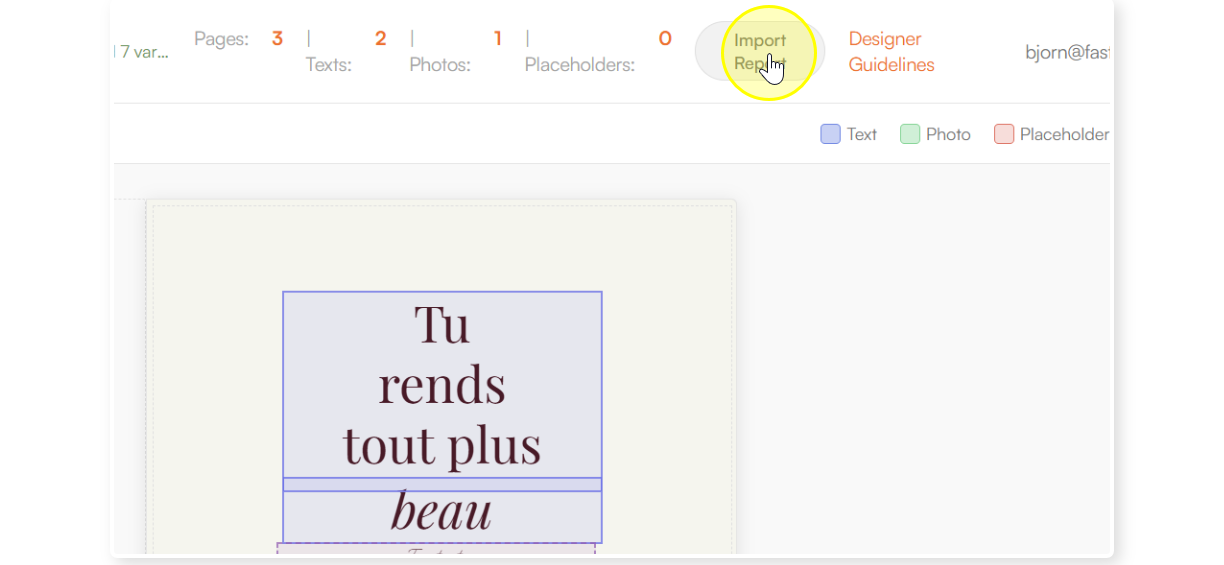
Press the “Import Report” button to get an overview of what was imported and any problems that might have been detected.
6
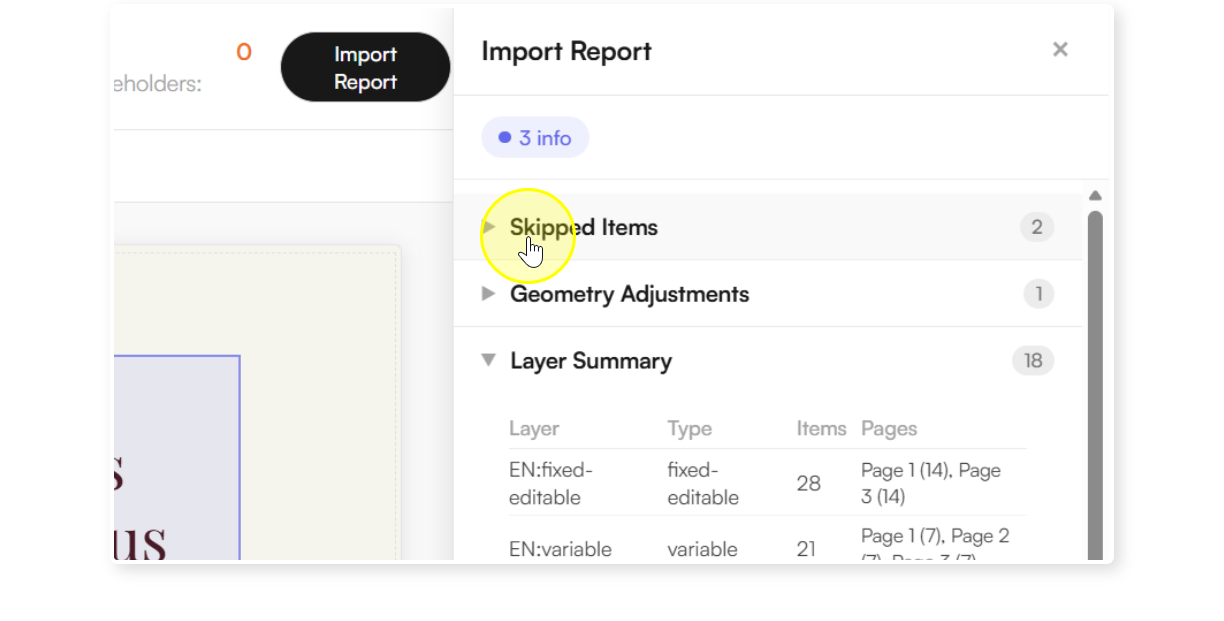
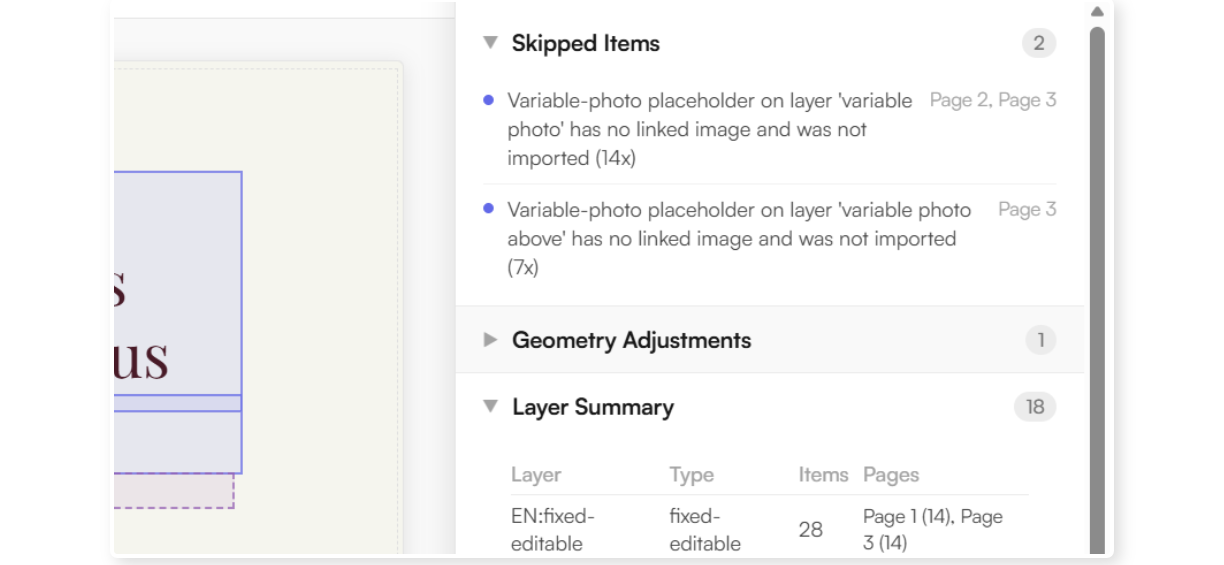
Open the “Skipped Items” to see what was not converted and for what reason.
7
Read the report and notice the page indication where the issue was found.
8
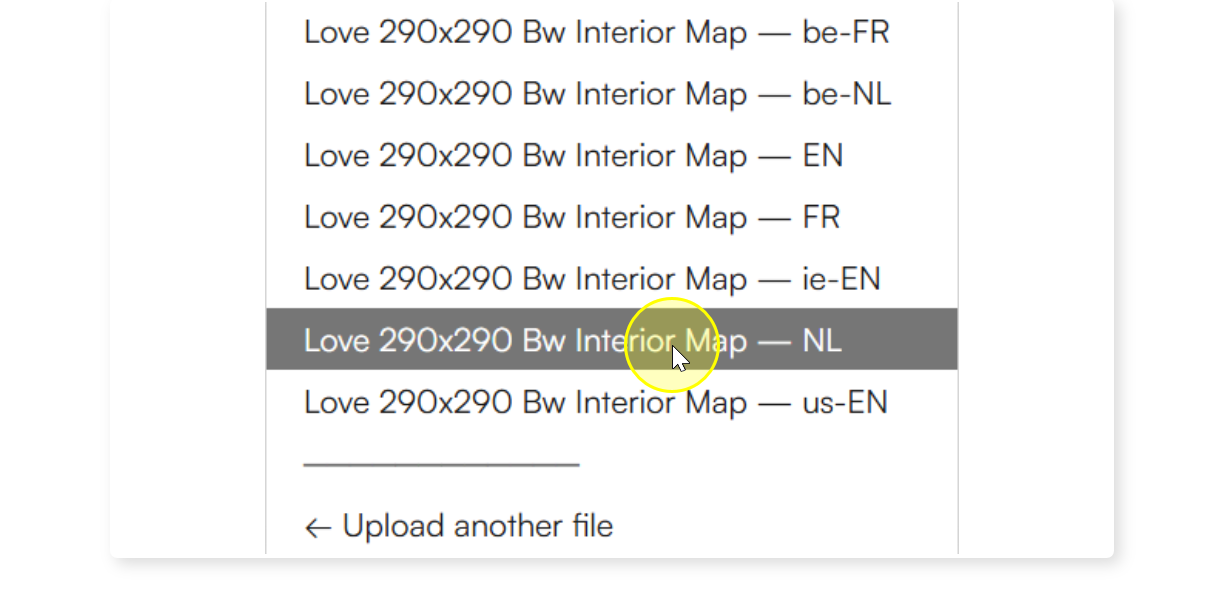
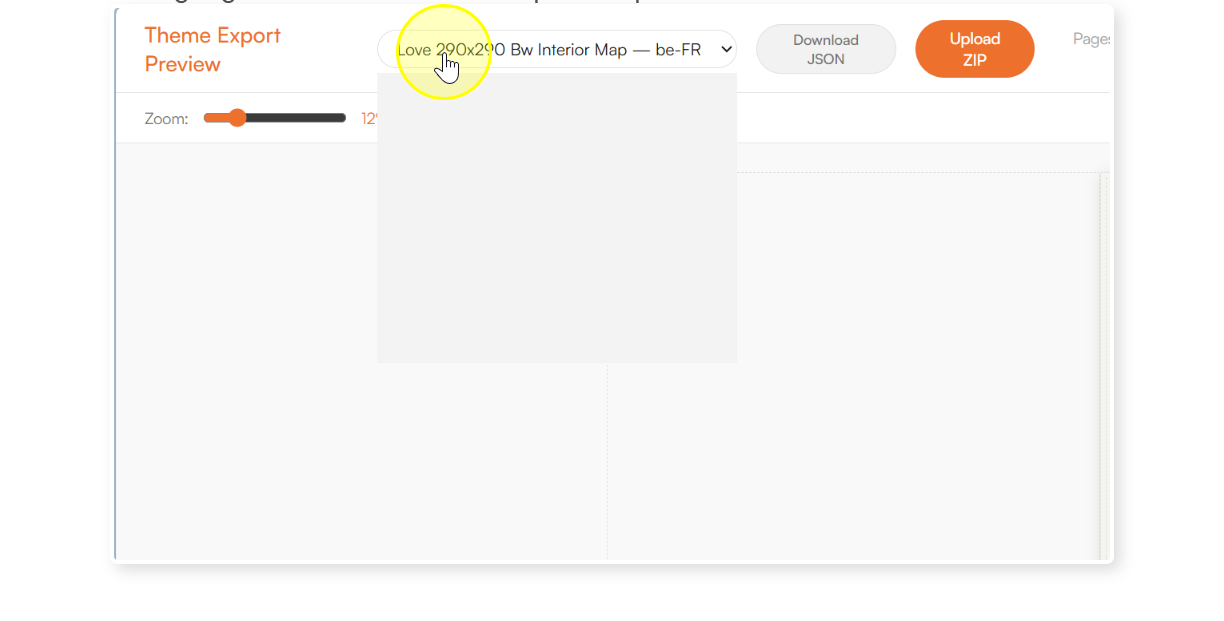
In case the imported file has multiple languages defined, there will be a language switch shown in the top of the preview.
9
Select a different language to get an immediate preview for that language.